
How to Buy Bitcoin on Binance: A Step-by-Step Beginner’s Guide (2025)
New to crypto? This guide shows exactly how to buy Bitcoin on Binance—from creating an account and completing KYC to funding, choosing between DCA and one-time buys, and keeping your coins safe with withdrawal whitelists and hardware wallets.
Why Binance?
Exchange choice impacts your execution quality, costs, and security. Binance’s deep liquidity generally means tighter spreads and faster fills. It supports many countries and funding methods, making onboarding smoother for beginners.
- High Liquidity: reduced slippage and more predictable execution
- Global Reach: wide fiat/region support, solid mobile & web apps
- Funding Options: bank transfers, cards, P2P, and stablecoin deposits
- Security: 2FA, device approvals, withdrawal whitelist, activity logs
- Competitive Fees: BNB fee discounts available for frequent users
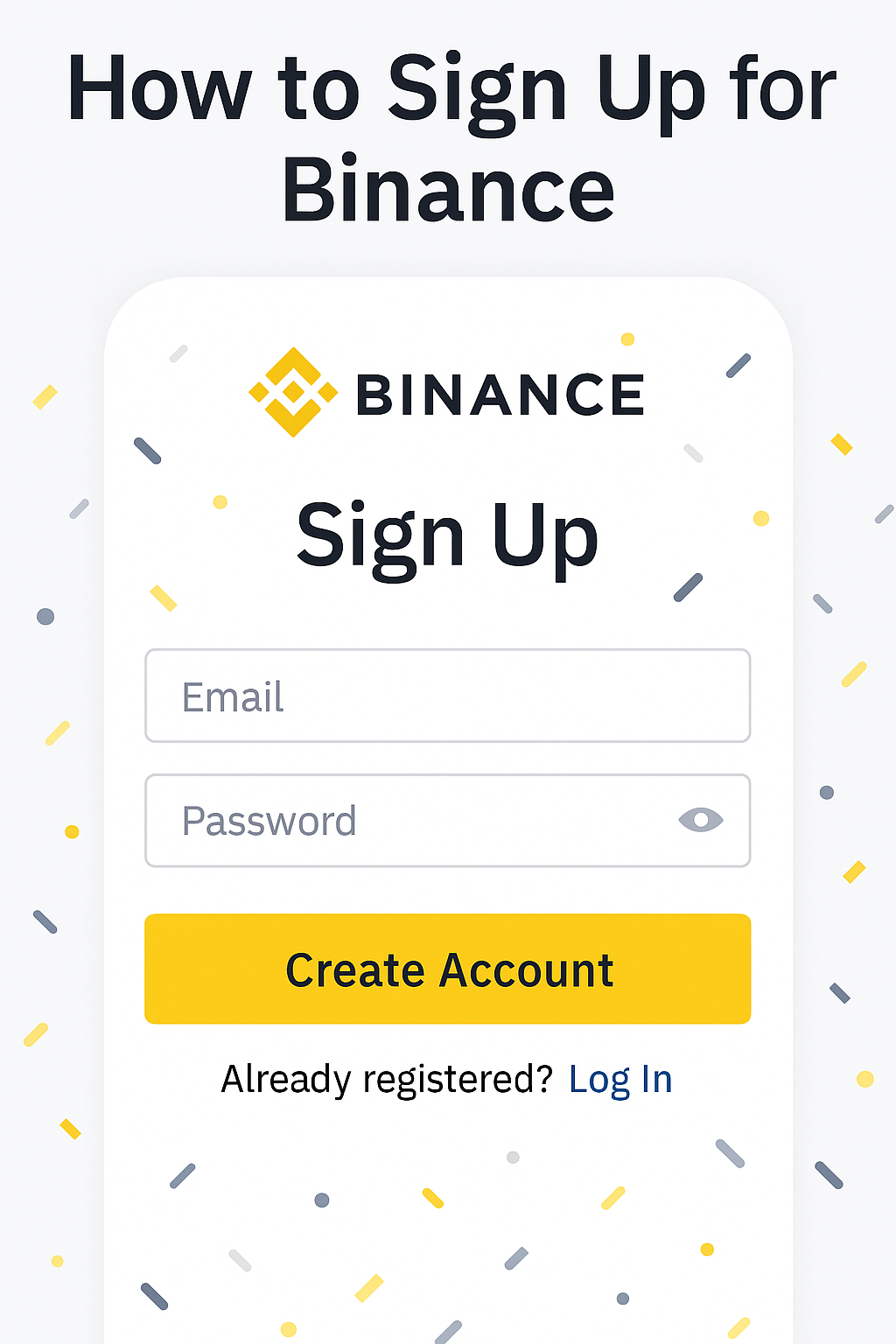
Create Your Account & Turn On 2FA
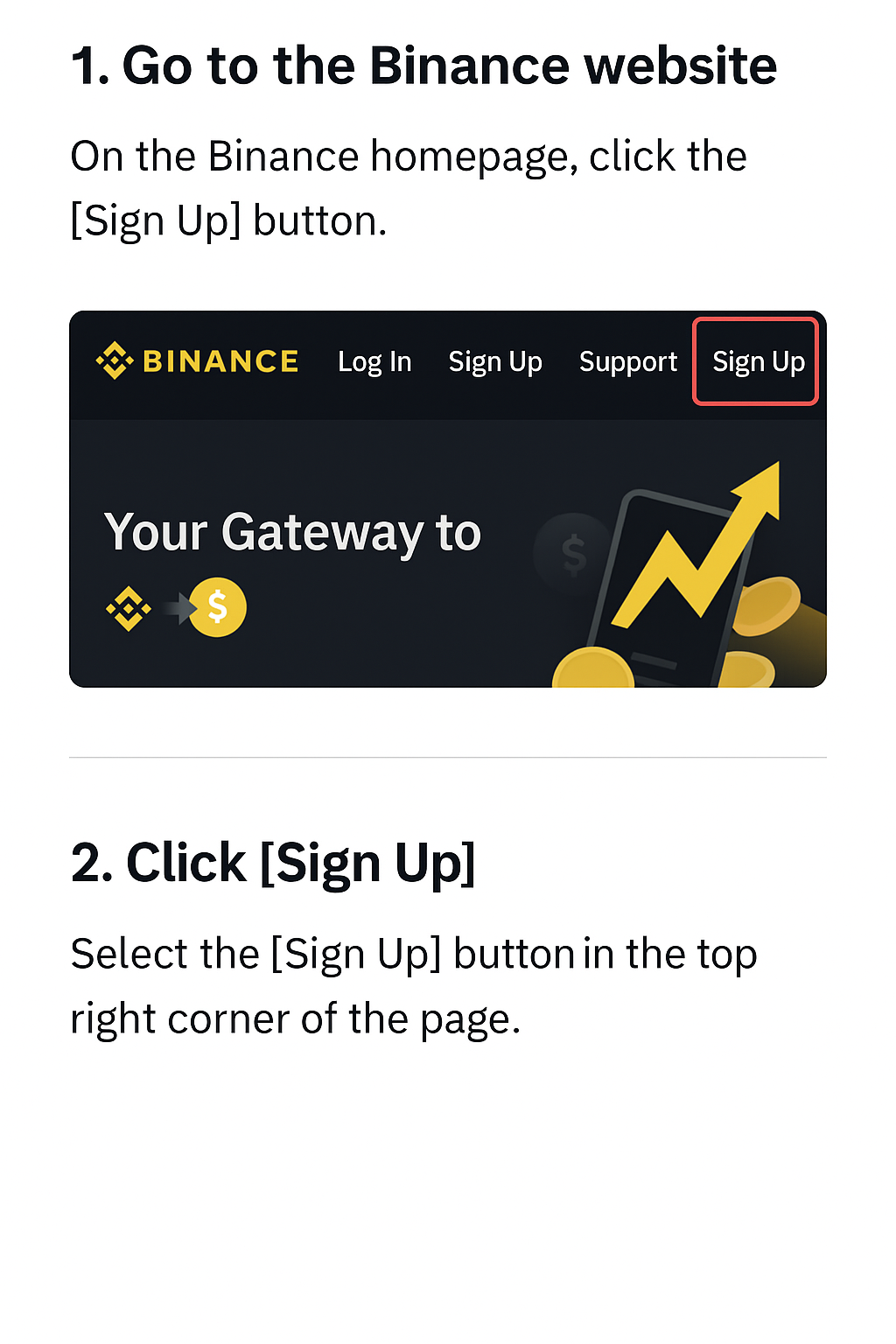
- Open Binance on web or app → click Sign Up.
- Enter email (or phone) and a strong password → verify your email.
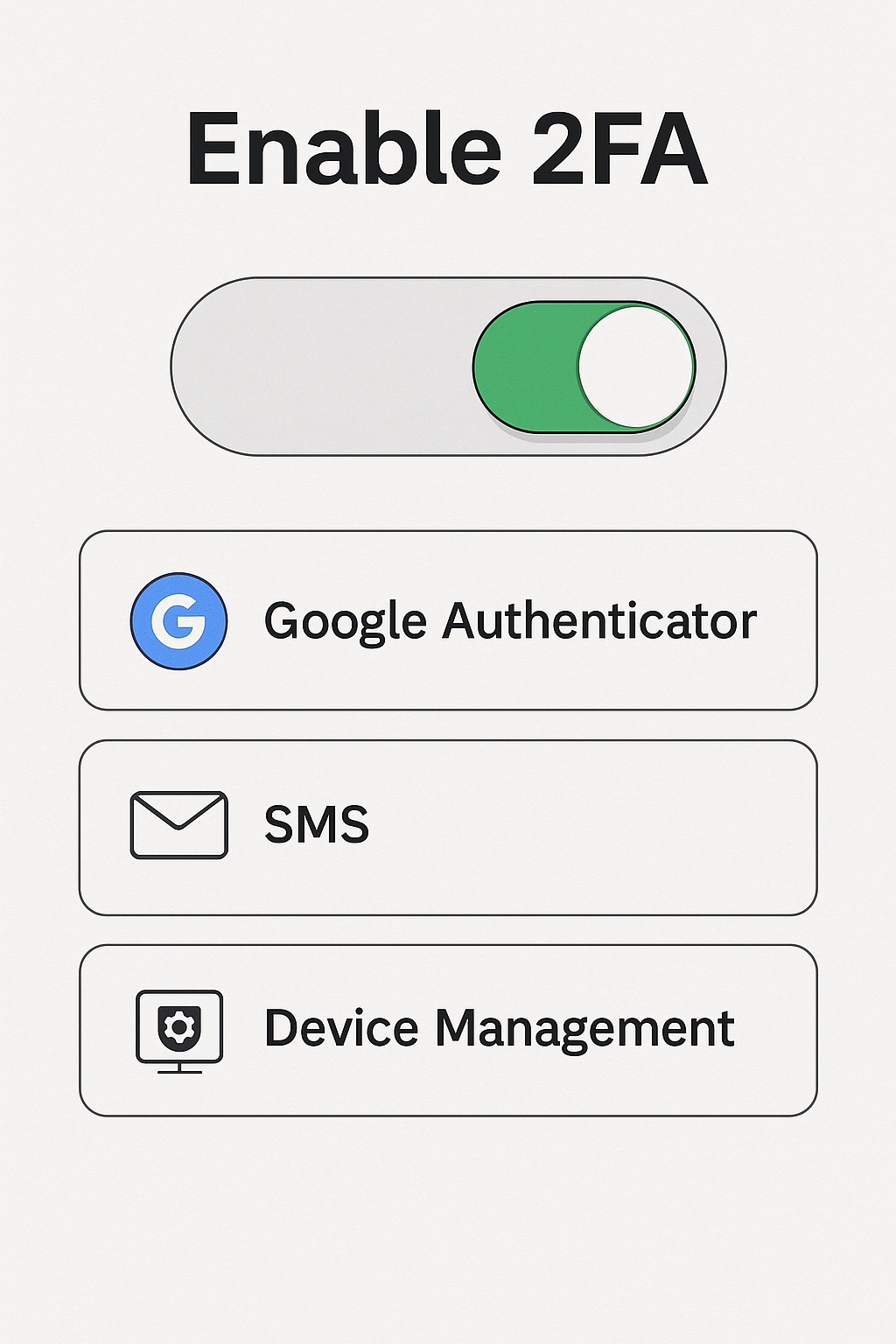
- Enable 2FA (Google Authenticator or SMS) immediately for login/withdrawal protection.
- Review Device Management and remove unrecognized devices.
Complete Identity Verification (KYC)
KYC unlocks higher deposit/withdrawal limits and keeps your account compliant. You’ll typically upload a passport/ID, pass liveness checks, and sometimes submit proof of address. Reviews are usually quick.
- Upload ID (passport or government ID)
- Liveness/selfie verification
- Proof of address if requested (bank/utility statement)
Deposit Options: Bank, Card, Stablecoins
When possible, bank transfers tend to be cheaper. Cards are fast but can carry higher fees and issuer/country restrictions. If direct fiat deposits aren’t available, consider USDT or other stablecoin transfers, or P2P with reputable sellers.
- Bank transfer: check processing time and fees; ensure name matching
- Card funding: confirm all-in costs (FX + card + exchange fees)
- Stablecoin deposit: double-check the network (TRON/ETH/BSC) and address format
- P2P: use escrow, review seller ratings, and chat within the platform only
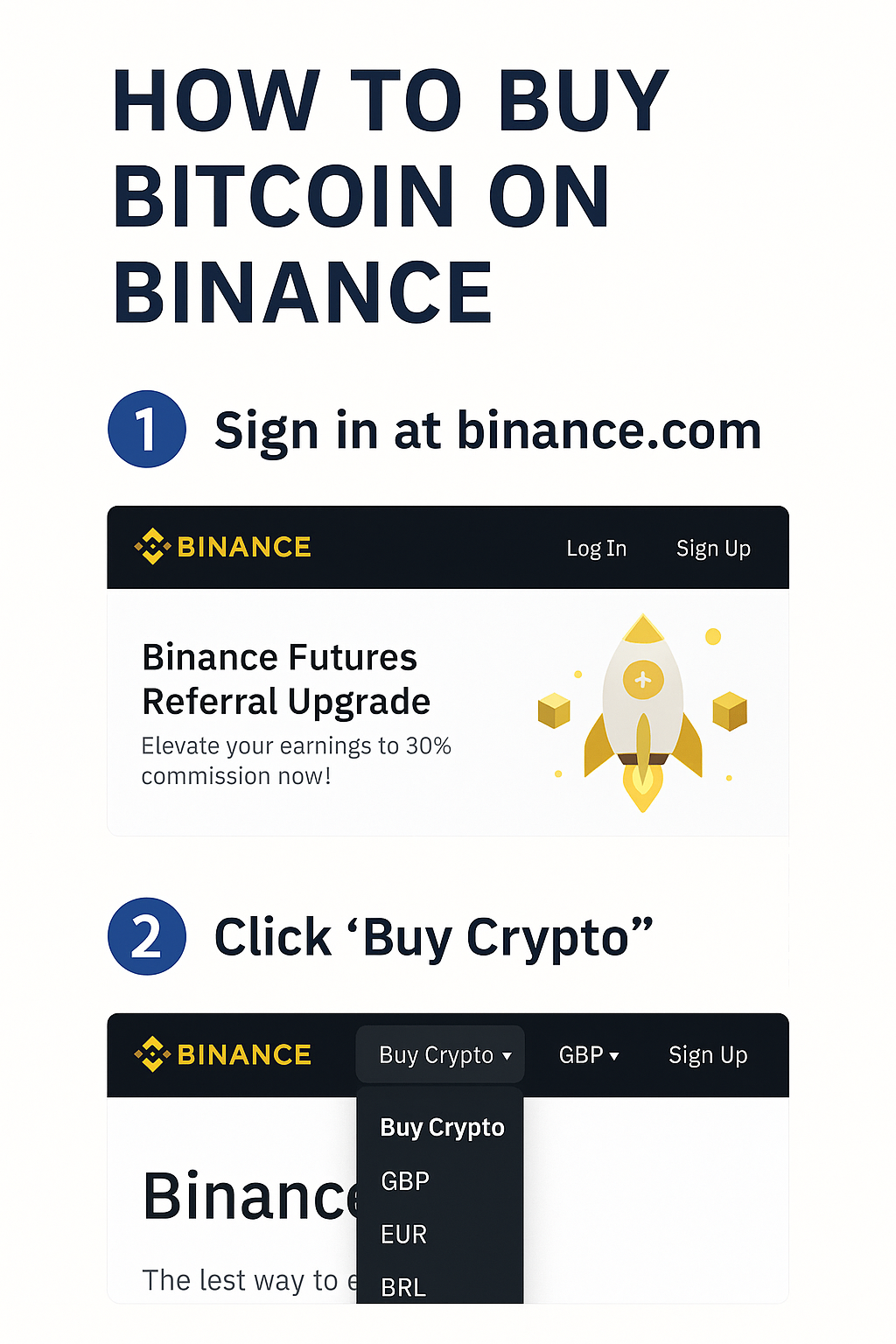
Buy Bitcoin: Convert vs Spot + DCA
For a simple first purchase, use Convert—enter an amount and confirm. For more control, use the Spot market with market or limit orders. Over time, many beginners prefer DCA (Dollar-Cost Averaging) to reduce timing stress and build a steady habit.
- Convert: quick and beginner-friendly; shows a preview before confirming
- Spot:
- Market: executes immediately at current price (small slippage possible)
- Limit: set your target price and wait for a fill
- DCA: buy a small fixed amount on a weekly/monthly schedule
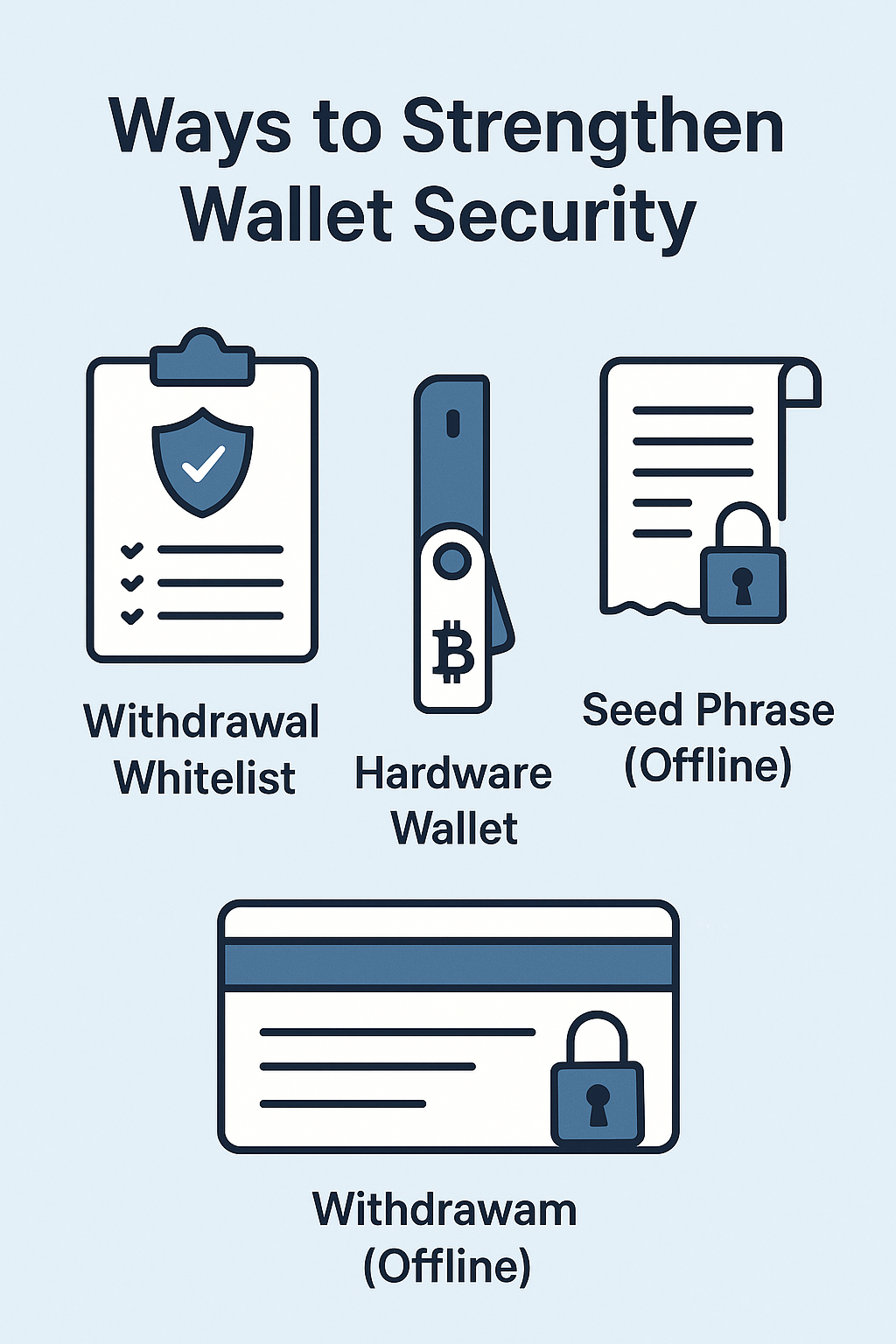
Security & Storage: Whitelist + Hardware Wallet
Exchange wallets are fine for short-term use, but for long-term storage consider a personal wallet— ideally a hardware wallet. Enable a withdrawal whitelist so funds can only leave your account to pre-approved addresses.
- Withdrawal Whitelist: restrict withdrawals to trusted addresses; enable delay periods
- Hardware Wallet: Ledger/Trezor; keep your seed phrase strictly offline
- Device & Alerts: monitor login/withdrawal alerts and revoke unknown devices
Fees / Safety / Compliance Checklist
- Total Cost: deposit + trading + withdrawal + FX/card fees
- Network: confirm the blockchain (TRON/ETH/BSC) and address type
- Compliance: understand local regulations and tax reporting rules
- Phishing: verify URLs/apps; avoid suspicious links and attachments
- Logs & Alerts: enable login/withdrawal alerts; rotate passwords/OTP if anything looks odd
FAQs
1) Convert or Spot—what should a beginner use?
Convert is the easiest way to start. Move to Spot once you’re comfortable with market/limit orders.
2) How do I start DCA?
Pick a schedule (e.g., weekly) and a small fixed amount. Consistency matters more than perfect timing.
3) Is it okay to leave coins on the exchange?
Short-term is fine, but for long-term and larger balances, use a hardware wallet and enable a withdrawal whitelist.
4) How can I reduce fees?
Choose lower-cost funding routes (often bank or stablecoins), and consider BNB fee discounts if applicable.